SEED Miscellaneous

Progress Bubble Widget

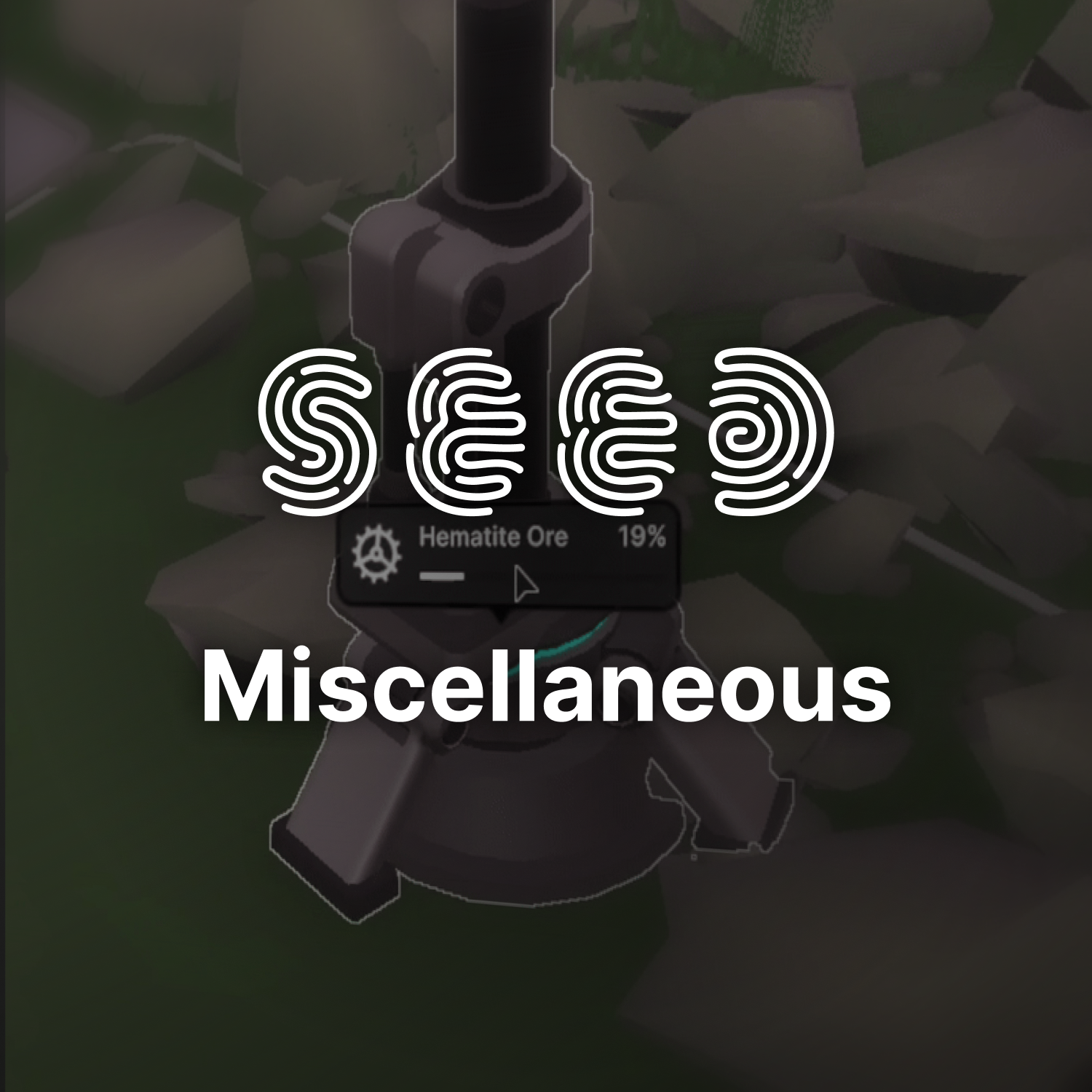
Next to my other tasks, I was asked to investigate a new way to inform the player of the progress of machines that are producing different items.

As we did not have any in-world UI element that would provide such communication, I explored a custom element in the shape of a thought-bubble, using shared styling from the provided design system.

To reinforce the dynamic and active state of this bubble, I decided to also propose an animated icon, which in the case of a running machine ended up being a gear/cog that was continuously rotating.

This element was also later largely adapted project-wise by many other designers and programmers to communicate more critical information and states that required player action.

Image link
Goals / Objectives
Inform
This element was created from a background of missing information – machines would be in usage, producing an item and the only way to tell if it was running was to look at the model – if the lights light up and something was spinning, it was operating. The only way to tell its progress though, was through a separate UI screen. My goal was to create a minimally invasive solution to show progress of a machine without needing to open additional panels.
Diegetic
Once I decided to create this element, it was important to me to not overwhelm the player with too much information (immediate text, colors, etc.), so I resorted to only show an icon that would display the current activity (a spinning gear for a running machine, a tree for a wood chopping activity, etc.). To still make this element valuable, I decided to also include a hover action, which would expand it horizontally and show more information, such as a progress bar, progress in %, and the name of the activity currently running.
Modular
I quickly noticed that many other departments were also interested to repurpose this element for their own needs. For this reason, I tried to keep its logic and structure as modular as possible, allowing other designers and programmers to use the default version, and add their needed elements to it – out of this came custom solutions, such as showing the building progress on structures (including showing the construction had to be pauses due to missing resources), as well as progress indicators for crops in the farming feature.

Seedling Card Tabs

Over the production of SEED, more and more player-character-related features were added, including Status Effects, Machine-Learning-supported Thoughts, and a Backpack to display carried items, all on top of the already present Needs panel, which outlined common character needs, such as Hunger, Thirst, etc.

To avoid cluttering the screen area with multiple panels containing all of these details, we decided to implement a solution using tabs, which would toggle one information-heavy panel at a time, which the player was able to open at any time.