

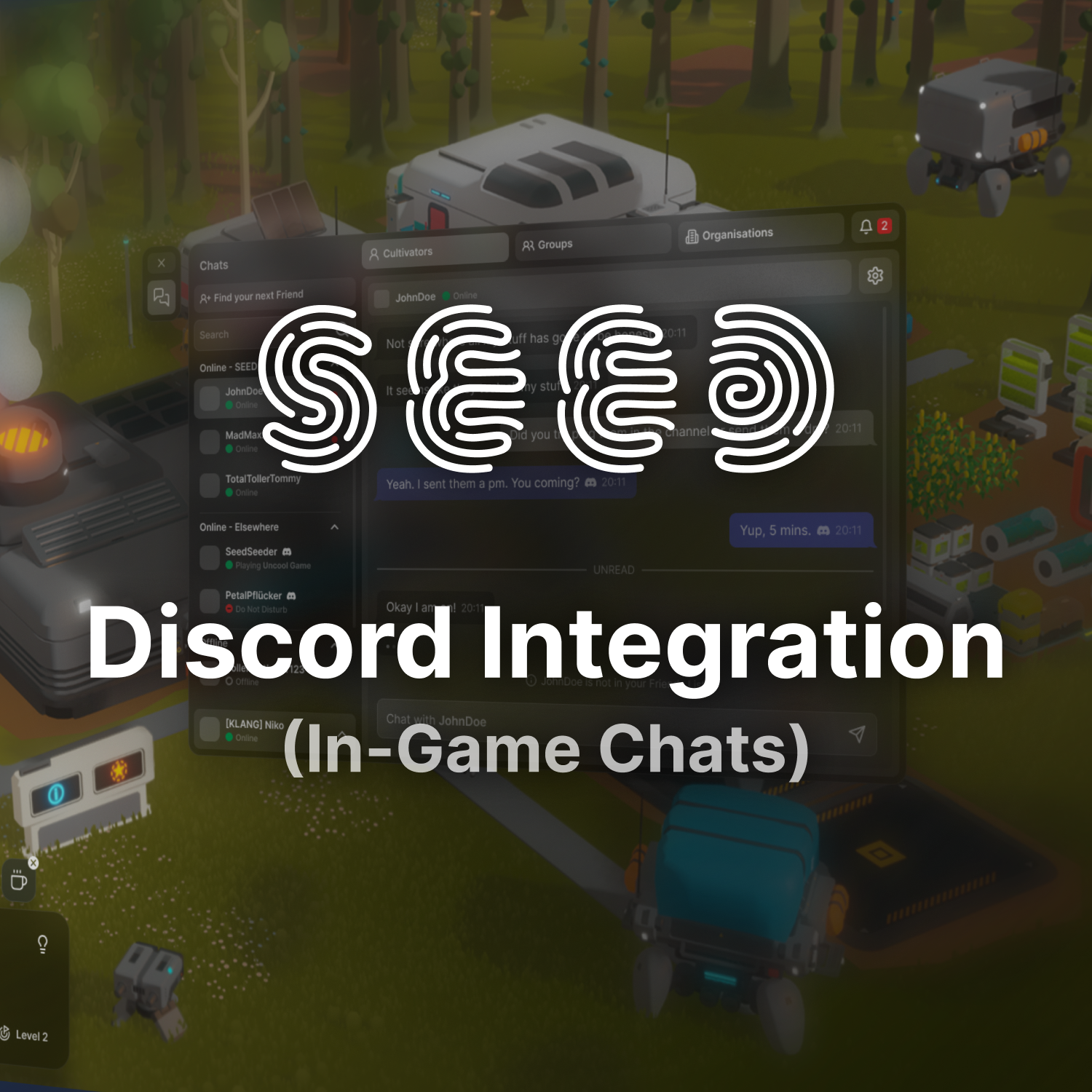
Disclaimer: Features may differ visually between Design and final Implementation.
The first thing I worked on while working at Klang Games was to redesign the current implementation of in-game chats, which allows players to chat between each other, as well as have group-chats between friends, businesses, etc.
One special thing about this implementation is that SEED uses Discord’s newly announced Discord Social SDK, which acts as a backend for handling messages – the only thing remaining was to design the in-game interface to send and receive messages, add friends, create groups, etc.


Integrate into the Game
While we used the external SDK provided by Discord, and Discord has a very unique identity in their UI/UX, our goal was to use their functionality, but make it look in-line with the other UI in SEED. I styled all chat windows to fit directly into our interface design system, but fit for our needs – connect people, see their style of playing, and also foster large communities by displaying group chats of entire societies of 1000+ players.
Utilize SDK Powers
Although we styled our chat windows to look like all other SEED UI, Discord has some guidelines when it comes to informational hierarchy, iconography, and colors. I made sure to extensively study their styleguides for designers, to make sure we are compliant with their requirements and will pass their review. As a result of this, I changed stylings and hierarchies of different buttons for adding friends, as well as group layouts, and rich presence indications. I also made sure to change the style of chat message bubbles there were sent from the Discord app to have a similar color to Discord’s iconic blue-tone!
I designed the entire UI/UX, User Stories, custom Iconography, etc. and assisted all throughout implementation, as well as QA Testing.