


ENAMEL - Pin Generator
Download
About
This began as an afternoon experiment inspired by an enamel-pin graphic I came across while browsing social media. Its simplicity, crisp reflections, and convincing material treatment immediately stood out to me.
I wanted to build a small generator that could recreate the matte metallic border and glossy enamel insets while also making the result interactive. The pin can be tilted freely, allowing its simulated light to respond naturally to the viewing angle.
Goals & Objectives
Physical
The pin should feel like a real object. A restrained metallic gradient suggests subtle depth and light across the border, while the glossy enamel surface creates the distinctive smooth reflections of enamel paint.
Tactile
The light should respond to the pin rather than remain static. An inset mask around the stroke includes slight padding for the rounded edge and defines where the reflection can travel as the pin tilts.
Easy to Use
Lighting and shadows should not need to be drawn by hand. Each finished pin uses only three inputs: a color mask, a metallic mask, and an inset shadow mask that guides where the reactive lighting can appear.
Final Result
I am very happy with how the final result turned out. It is a visually pleasing graphical asset with clear highlights and convincing light reflections.
The generator’s simple setup makes an almost endless variety of designs possible. Very small enamel areas may not leave enough room for visible reflections, while overly complex pins can become visually muddy.



Breakdown
An interactive pin consists of three straightforward layers:
- Color Layer: The base color mask that defines every rendered color.
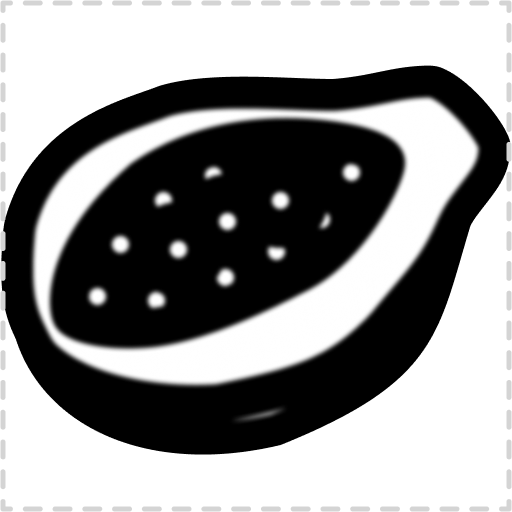
- Metallic Layer: A black and white mask in which black represents enamel and white represents metal. The metallic areas receive a subtle gradient and a minimal drop shadow to create a matte finish and a slight sense of height.
- Light Layer: A softly blurred inset mask that keeps reflections slightly away from the metallic border and prevents pixel-sharp edges.
Combining these three layers produces the final enamel pin with interactive lighting.



Usage Examples
To show what the generator can do, I created a range of pins with different colors, shapes, and levels of detail.